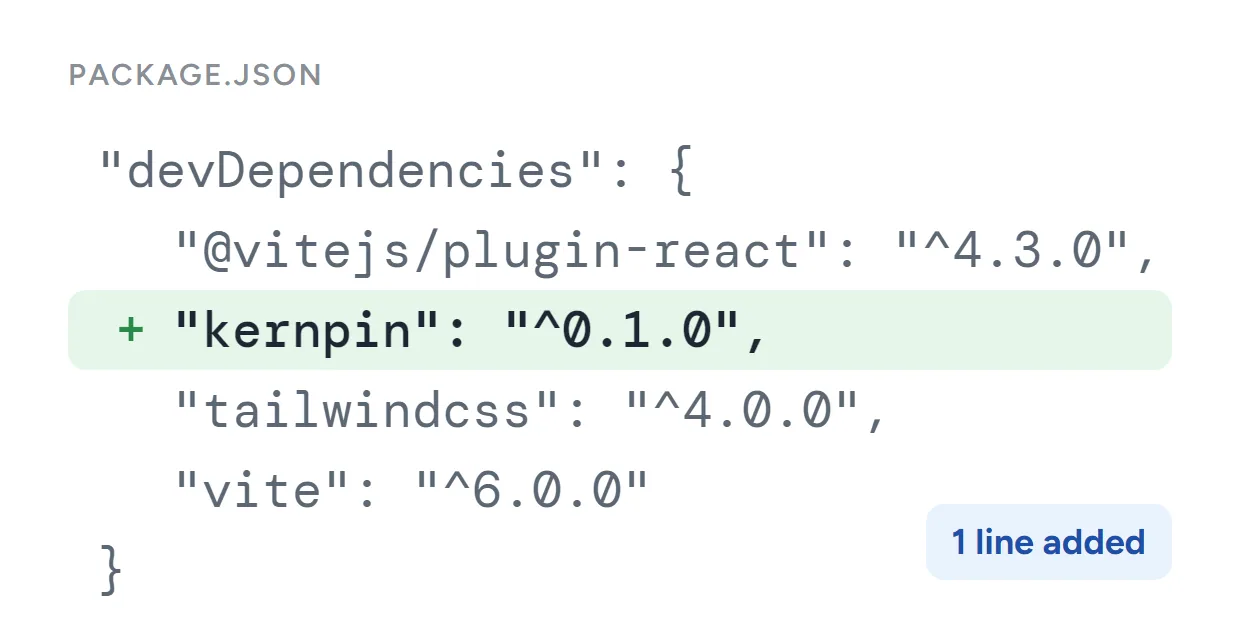
What lands on a managed laptop? One line and one extension.
The kernpin entry installs through the package manager you already run. The extension comes from the marketplace your editor already uses.
1 lineadded to package.json
It adds no native app or background service, calls no update server and needs no admin rights.
stagewise ships installers for macOS, Windows and Linux and keeps an update server among its apps. Its npx route is deprecated.
Vite, Next.js or Astro on one side. VS Code or Cursor on the other.
- Dev servers
ViteNext.jsAstroReactVueSvelteTailwind CSSshadcn/ui
- Editors
VS CodeCursor and other Open VSX editors
- Agents, over MCP
Claude CodeCodexGitHub CopilotClineKilo CodeCursor's agent
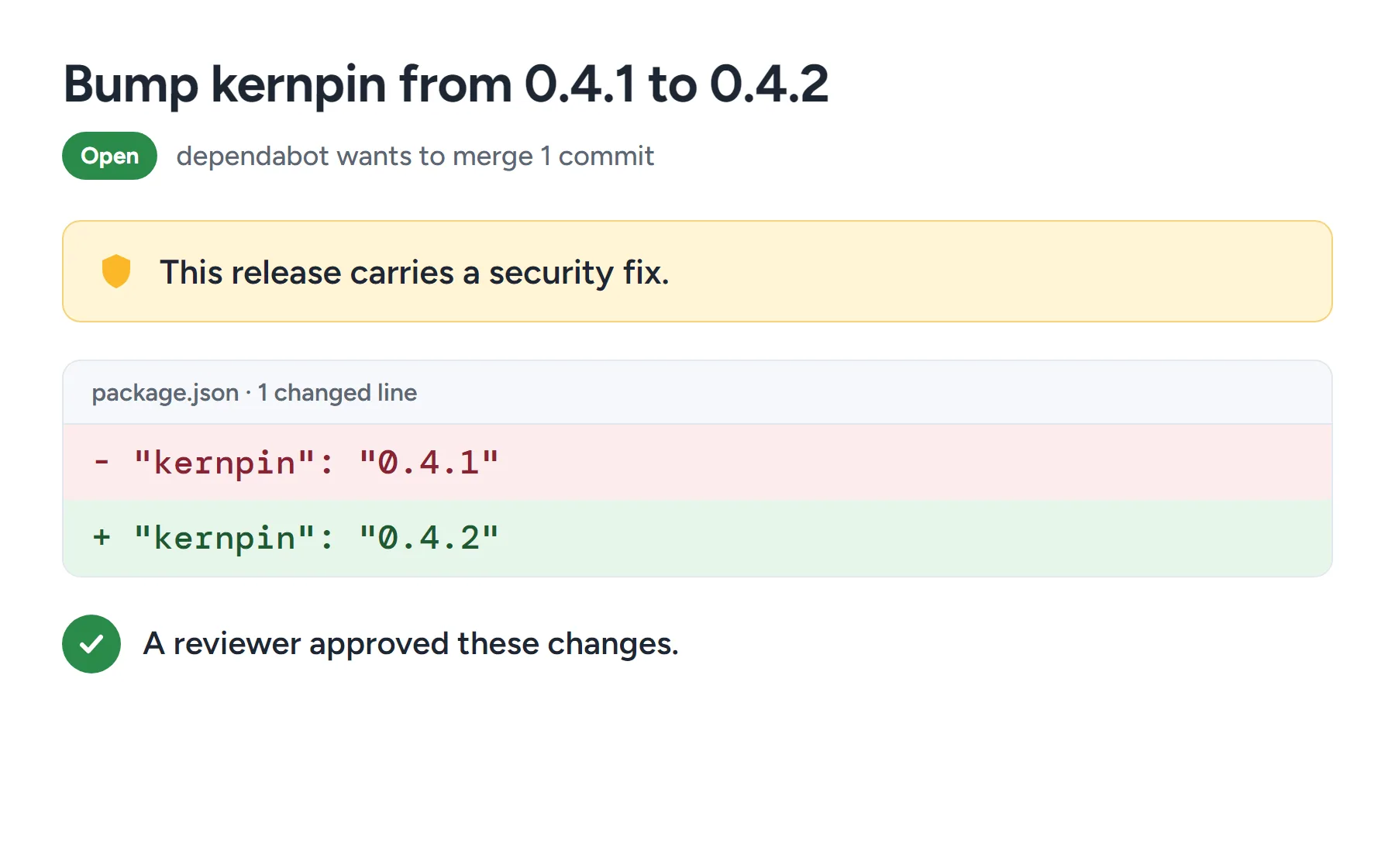
Updates arrive as a pull request someone reviews
Dependabot or Renovate bumps one version. Someone reads the changed line and the release notes, then merges.
The package never updates itself. The extension updates through the editor's marketplace, under the extension policy IT already sets.
Sample 'Bump kernpin from 0.4.1 to 0.4.2', one line, one approval
Versions the extension accepts any plugin in its minor line
Mismatch a one-line message, not an error
What it does not reach yet, and what living in your dev server costs
The plugin and the extension find each other through a session file, so both have to run on one machine.
Living in a dev server has a price. On stagewise's 2025 toolbar, selecting inside a dialog closed it, and its CSS variables restyled host apps.
Kernpin's overlay mounts in a closed shadow root, keeps its styles inside, sets nothing on :root, and listens only while Option or Alt is held.
It is still a script on your page. A strict development CSP must allow it, and an app that captures clicks first sees the selection click.
- Not yetremote devboxes, SSH and WSL
- OutReact Native, Swift, extension builds, Angular, ERB and Django templates
- ReachedVite, Next.js and Astro, beside the editor
- MarkedReact, Vue, Svelte and Astro components, at build time